Built for the counter, the machines, and the shelves
Fold POS is the operating system for a laundromat or dry cleaner — order intake and payments, a live workflow board, equipment and inventory management, marketing, and pickup & delivery, all in one place.
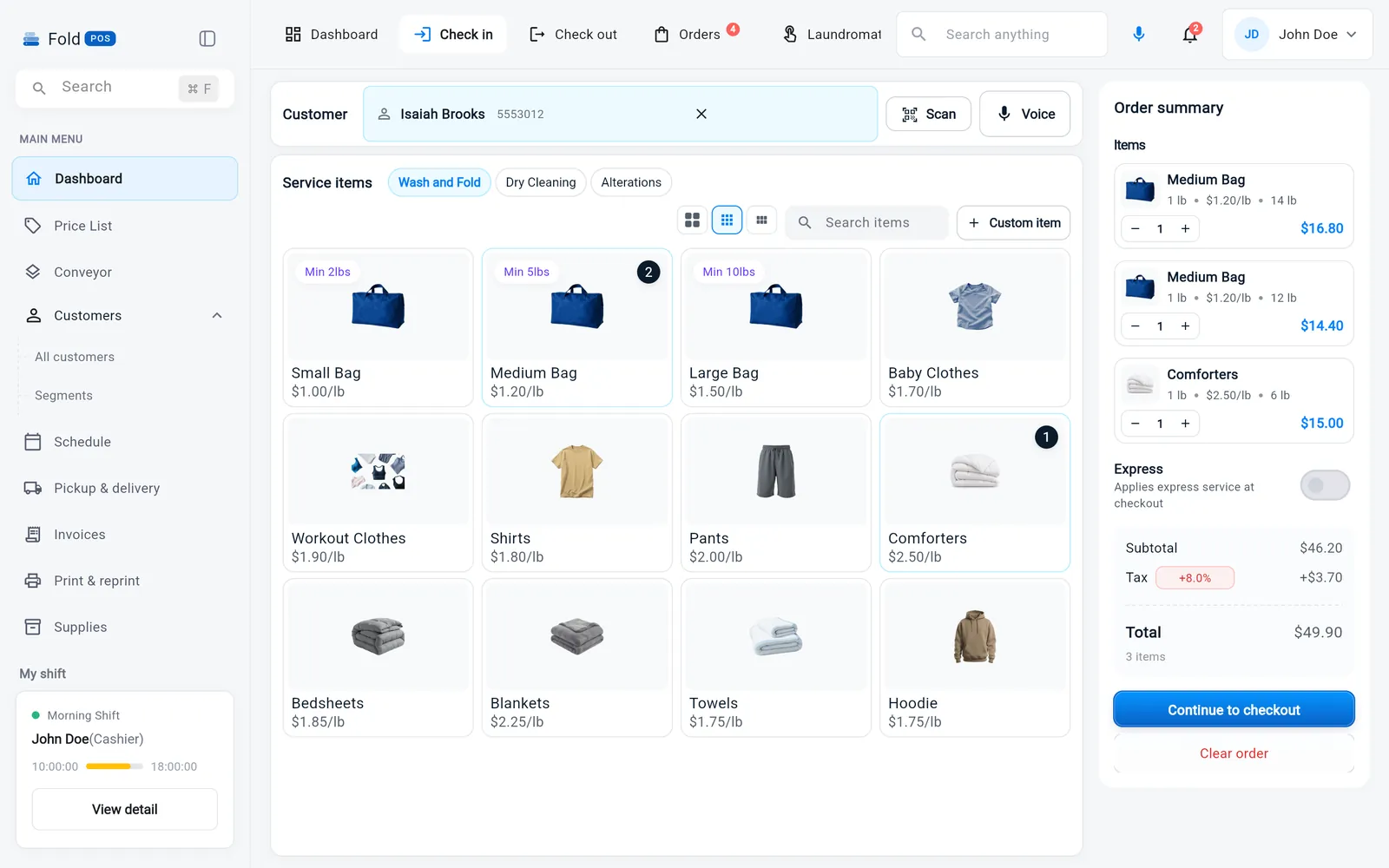
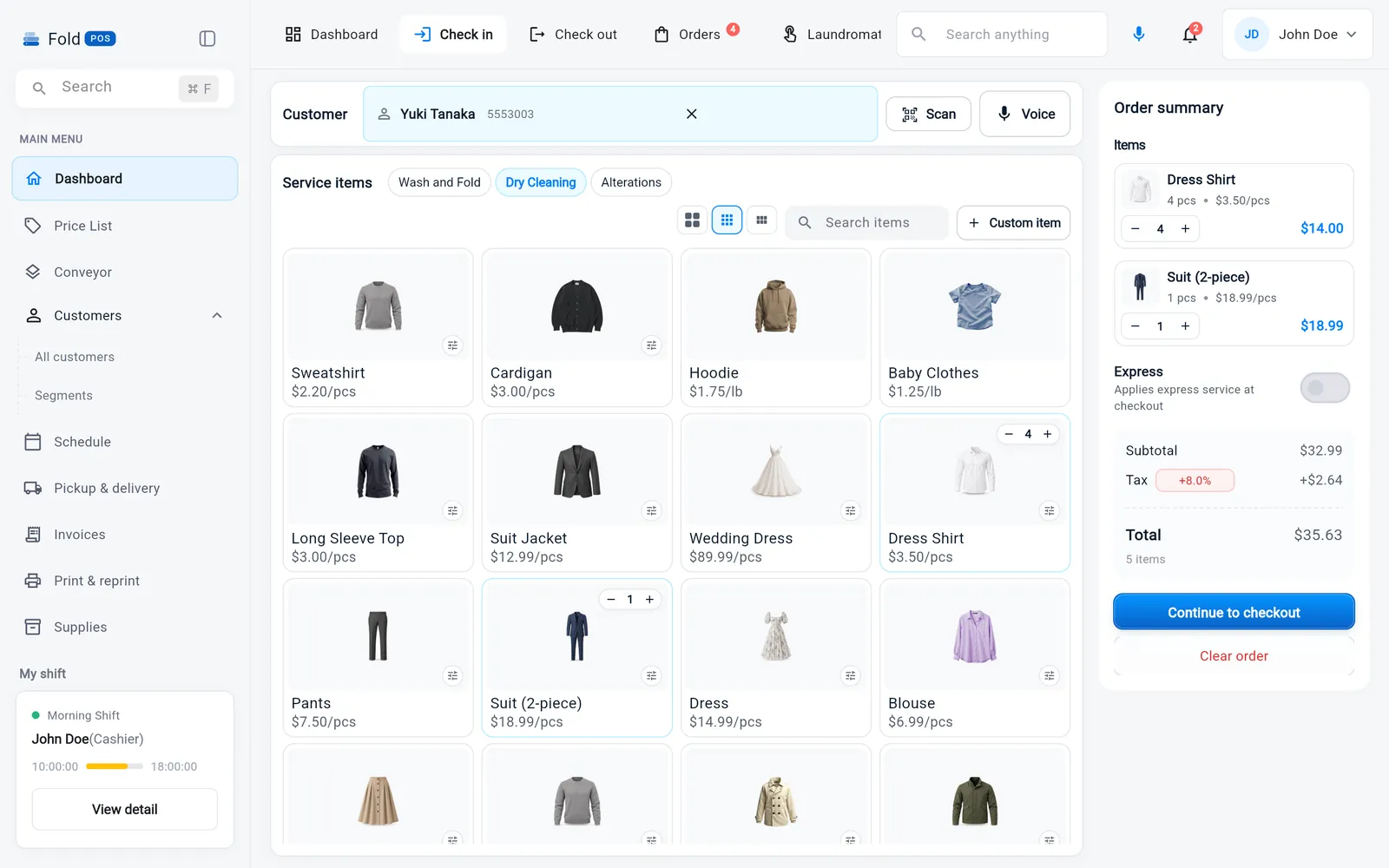
Ring up any service the way your shop actually prices it
Switch between wash & fold, dry cleaning, and alterations without leaving the screen. Price by the pound with a minimum, by the bag, or by the individual item — set an express rate and a discount once, and Fold POS applies them everywhere they belong. Look up a returning customer or add a new one without losing the order you're building.
- Per-pound, per-bag, and per-item pricing in the same order
- Express service and discounts applied automatically
- Customer search and quick-add, mid-order
- Cash, card, or pay-on-delivery, on every order
- Custom items for one-off requests
Every order has a home, every stage has a count
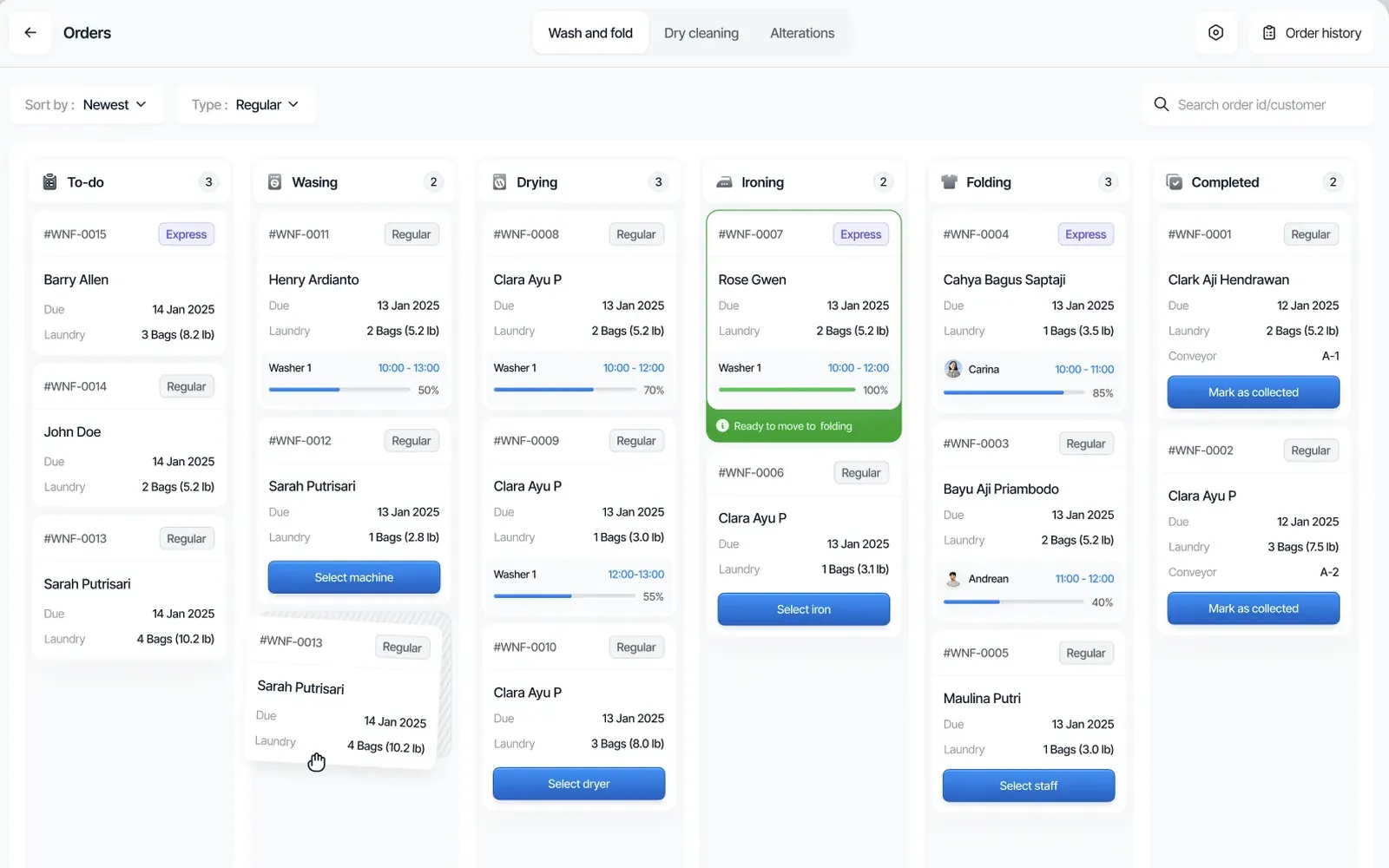
Orders move left to right across the exact stages your shop uses — to-do, washing, drying, ironing, folding, completed — with a live count on every column. Open a stage to assign a washer, dryer, or staff member, and watch the progress bar move as the load runs.
- Six-stage board that matches how your shop actually runs
- Assign a machine or staff member in one tap
- Live progress bars tied to real load and shift time
- Express orders flagged and easy to spot at a glance
- Search and filter by order ID or customer
Nothing about an order gets lost between hands
Every order carries its own record: an itemized breakdown of tasks and pricing, the customer's contact and intake details, and a place for photos and notes. Flag a broken zipper or a stain before you clean it, so whoever hands the order back knows exactly what happened to it — and what it cost.
- Itemized task and pricing breakdown per order
- Photos and notes attached directly to the ticket
- Full customer contact, intake time, and staff on file
- Move an order to its next phase from the same screen
- Edit or cancel an order without starting over
Know exactly what's going on with every machine you own
Every washer, dryer, and press has its own record — what was fixed, which parts were replaced, and who worked on it. Fold POS tracks usage and flags a machine for service before it breaks down mid-load, and you can schedule a technician without leaving the POS.
- Full repair history per machine — what was fixed, which parts, and who did the work
- Schedule a technician directly from the POS
- Preventive maintenance reminders based on real usage
- Downtime tracking so you know what a repair actually cost you
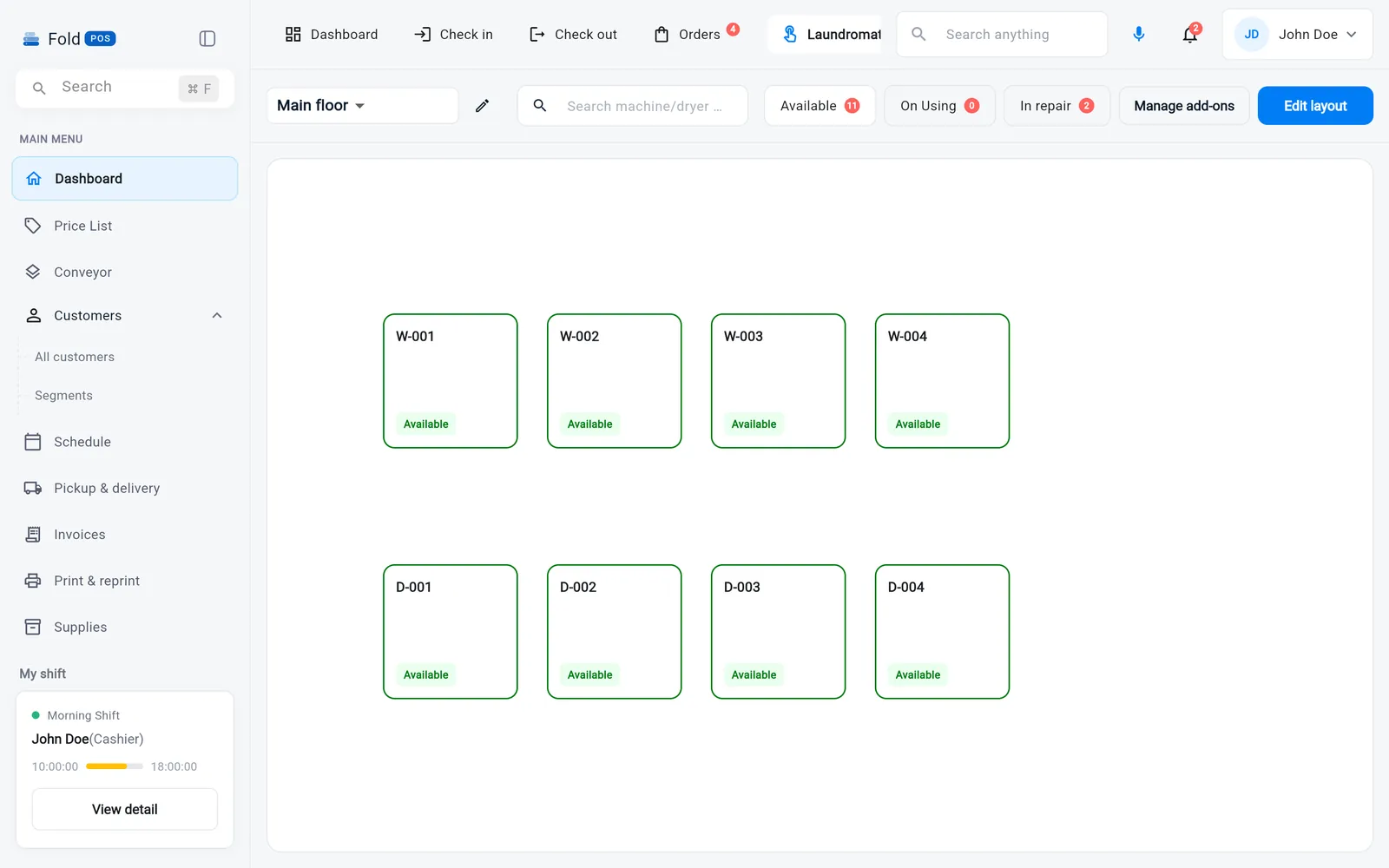
A live map of every machine on your floor
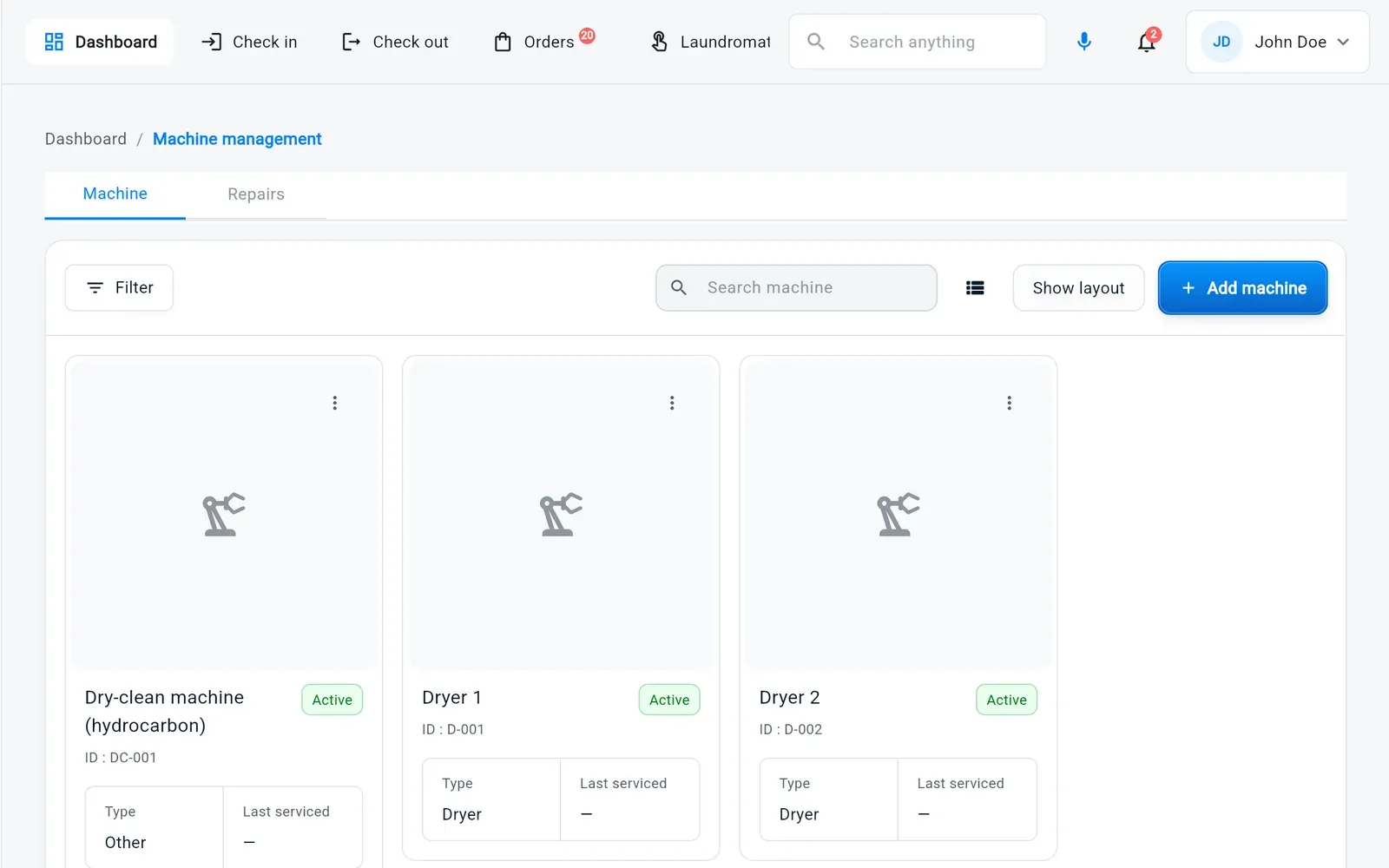
Set up Fold POS once with your actual machine brands, sizes, and layout, and it becomes a live map of your floor — not a generic equipment list. See how many turns each machine ran today, and when your own staff use a machine for a wash-and-fold order, everyone at the counter can see whose order is running and how much time is left on the cycle.
- Floor plan built from your real machine brands and sizes
- Turns per machine, per day — see which machines earn their keep
- Live cycle countdowns, visible to every staff member
- See whose order is running in which washer or dryer, at a glance
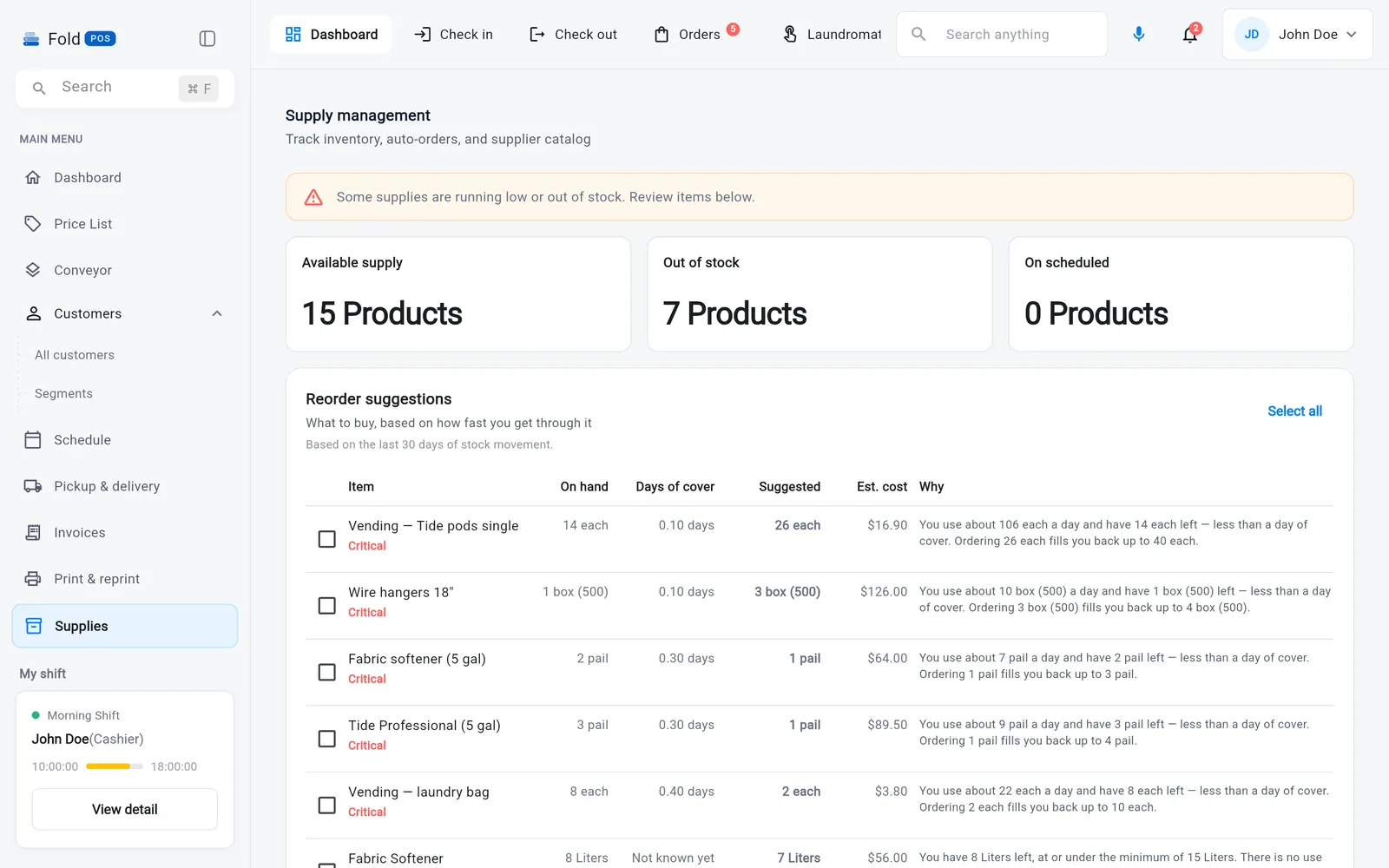
Know what's running low before it runs out
Track the detergent, poly bags, hangers, and press pads that keep your operation running, right alongside the vending and retail products self-serve customers buy off your shelves. Fold POS learns your average usage against current workload — not a fixed reorder point — and tells you what to reorder, and how much, before you're caught short.
- Live vending and retail inventory for self-serve laundromats
- Usage tracking for the operational supplies orders consume
- AI-driven reorder suggestions and quantities, based on historical use and current workload
- Low-stock alerts before you're down to your last bag — or your last vending box
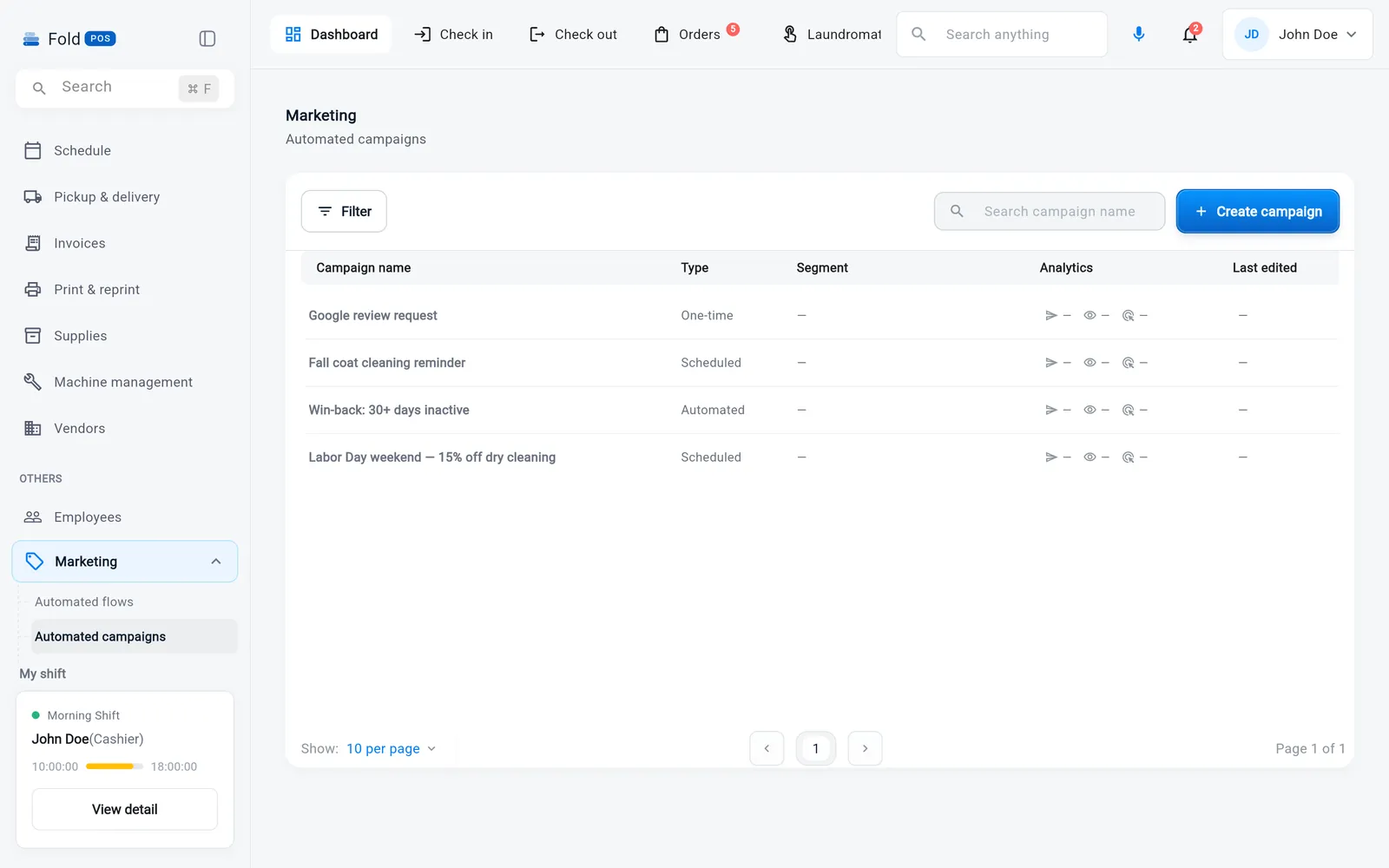
Reach customers before they think to call you
Build an SMS or email campaign in minutes — a seasonal promo, a nudge to customers who haven't ordered in a while, or a same-night alert when your delivery driver's already in their neighborhood. Fold POS segments your customer list automatically, so the message only goes to the people it's actually relevant to.
- SMS and email campaigns from the customer list you already have
- Templates for promos, reminders, and win-backs
- Location-aware blasts — "we're picking up in your neighborhood tonight"
- Delivery and reply tracking on every campaign
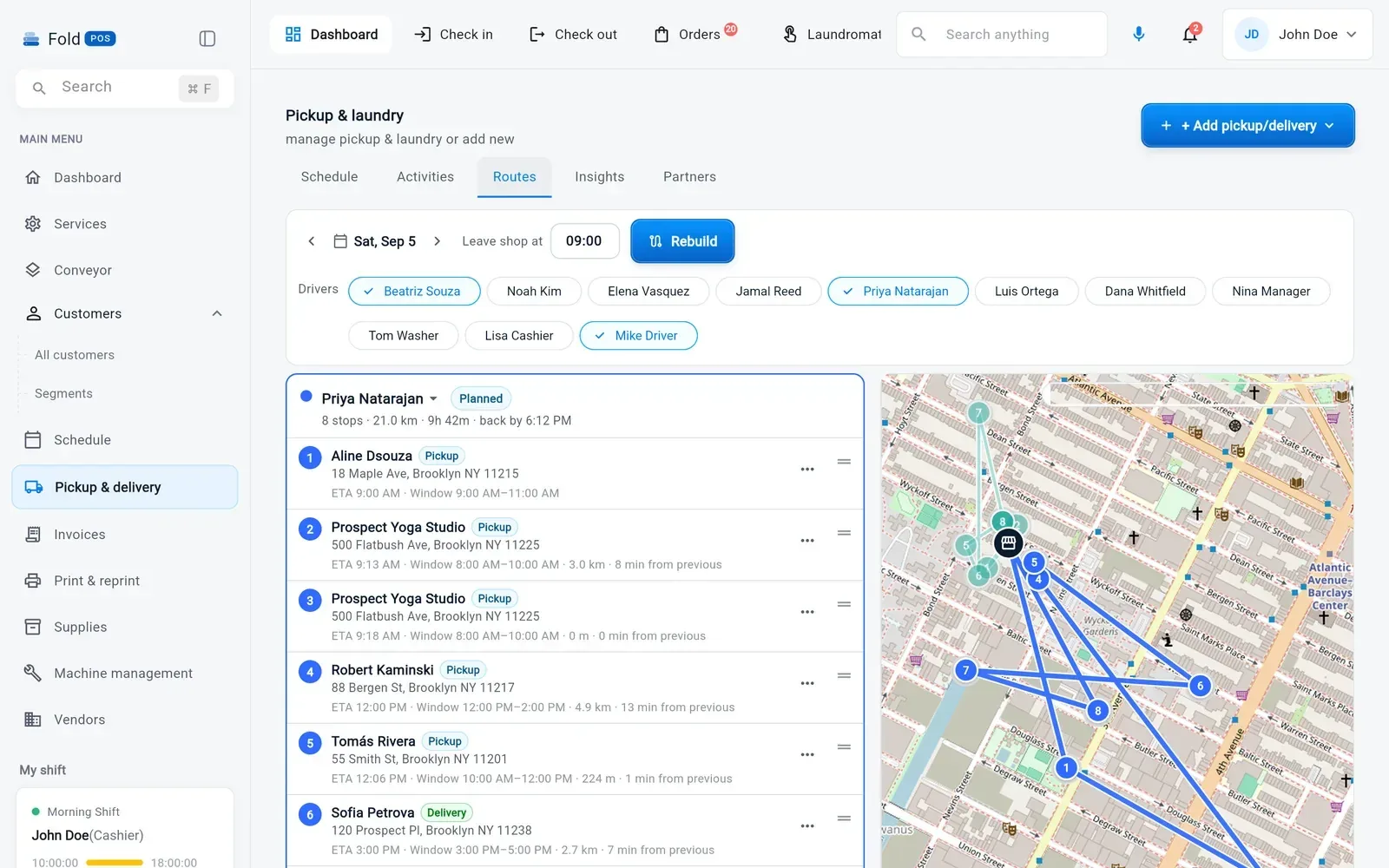
End-to-end delivery, from the counter to the door
Build a route, assign a driver, and let Fold POS handle the rest — customers get automatic texts as their order is picked up, cleaned, and on its way back, and your driver gets a stop list instead of a stack of sticky notes.
- Route building and driver assignment from the POS
- Automatic customer texts for pickup, ready, and out-for-delivery
- Live stop list and status for every driver on the road
- Proof of delivery and order status tied back to the same ticket
A clean handoff, every time the shift changes
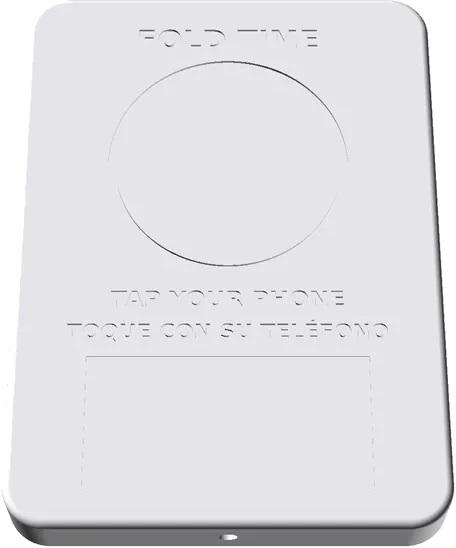
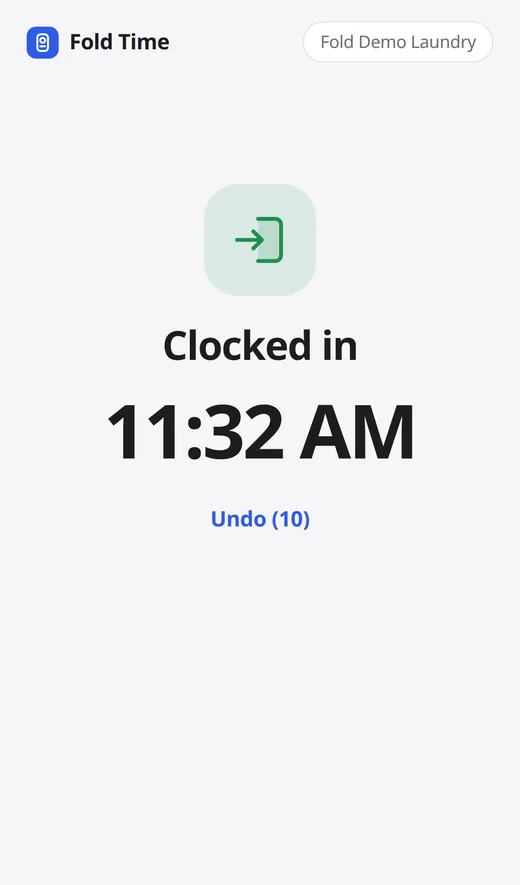
Staff clock in and out with a tap of their own phone on a Fold Time device, or on the same screen they ring up orders on. See revenue, order volume, and service mix for the shift in progress, and leave a clear activity trail for whoever opens next — so the morning shift isn't guessing what happened overnight.
- Fold Time: staff tap their phone on the wall device to clock in, take breaks and clock out. No app. On Growth and Pro, your first device free
- Clock-in and clock-out tied to each staff member
- Live revenue and order volume for the current shift
- Service mix breakdown — wash & fold, dry cleaning, alterations
- Shift notes and activity history for a clean handoff
The rest of what keeps a shop running
Take cash, card, or pay-on-delivery, on your own card processor at your rates.
Every customer's order history, contact info, and preferences saved and searchable right at the counter.
Revenue, order volume, and service mix by day, week, or location — no spreadsheet exports required.
Refunds that need an owner code, a drawer counted at close with X and Z reports, and sales tax you set once. Money at the counter.
When the internet drops, the counter keeps taking new orders and syncs them by itself. What works offline.
Bags scanned at every handoff, every piece counted in and out, and a monthly statement for each store. Plants & drop stores.
Try it on your own counter.
14 days free. No card, no contract, no sales call.